
Five marketing automations a small team can set up with n8n or Make
You do not need a developer to stop copying orders into spreadsheets or checking stock by hand. Here are five automations I would build first, how they work, and the honest truth about keeping them running.
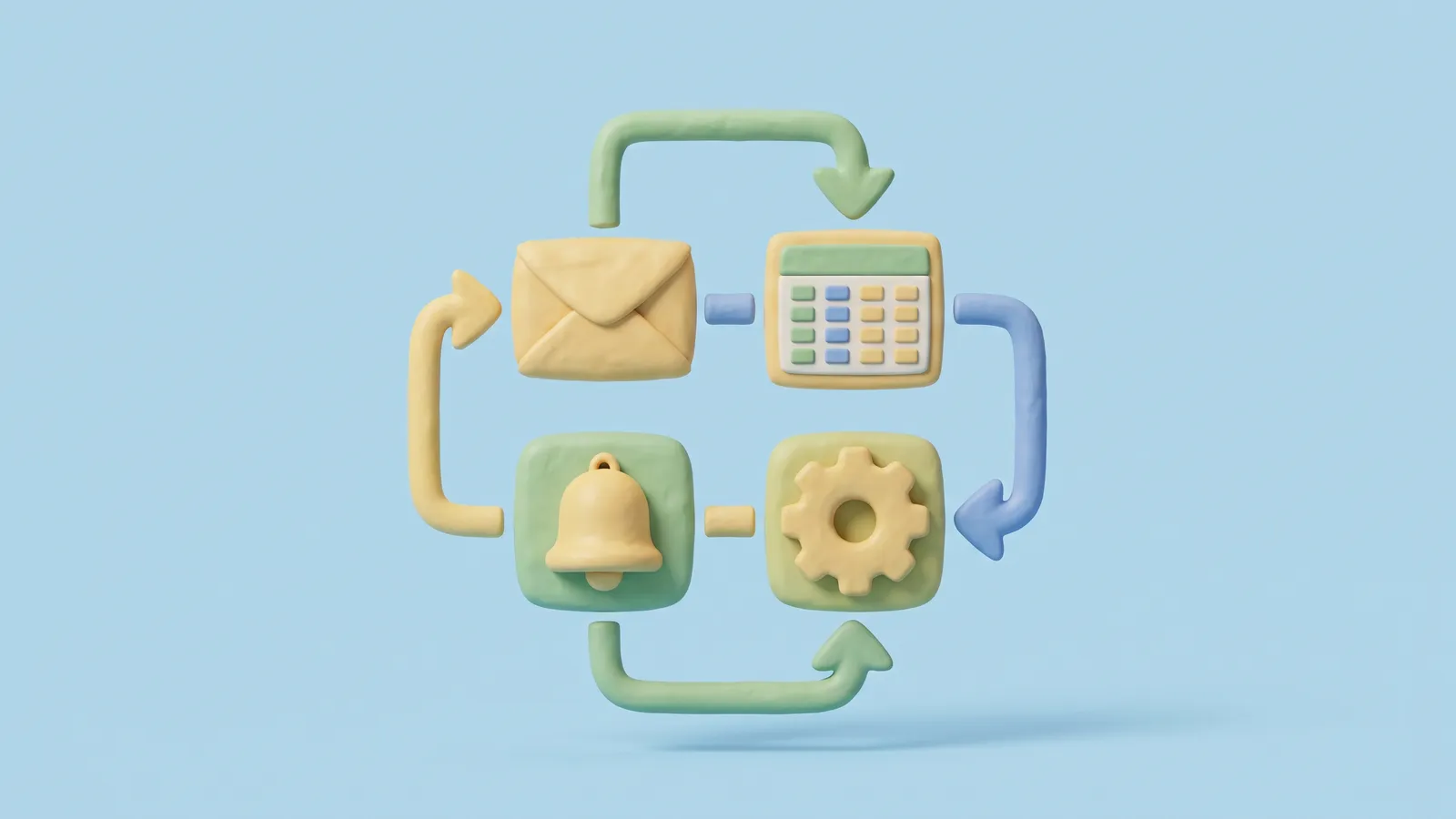
n8n and Make in one minute
Both tools let you build a "workflow" (n8n) or "scenario" (Make): a chain of steps that starts with a trigger and then does things. For example: "when a new order arrives, add a row to a Google Sheet and send me a message". You build it by dragging boxes and filling in fields, not by writing code.
The main difference is hosting. Make is a cloud service. n8n can run in the cloud or on your own server. n8n's own guide, Choose how to use n8n, is honest about this: self-hosting needs technical skill to install and configure, and maintenance is your responsibility. If nobody on your team is comfortable with servers, use the cloud version.
I use both. For a small shop, pick the one whose interface you find easier and stick with it.
1. New orders into a Google Sheet
What it does: every new order lands as a row in a shared sheet, with date, products, total, delivery area and how the customer found you.
How: in n8n, the WooCommerce Trigger can start a workflow when an order is created, updated or deleted. Connect it to a Google Sheets step that adds a row. In Make you build the same flow: a trigger for your shop platform, then a Google Sheets module.
Why it helps: your team can sort and filter orders without logging into the shop admin, and you have a simple sales log for planning stock and promotions.
Watch out: orders contain personal data. Share the sheet only with people who need it, and do not copy more customer details than you use.
2. Instant lead alerts
What it does: when someone fills in a contact or quote form, the right person gets a message within seconds, by email, Slack, Telegram or similar.
How: most form tools can send data to a webhook, which is a web address that wakes up your automation. The automation formats the details and sends the alert. You can also add the lead to a sheet or CRM in the same flow.
Why it helps: speed. For the clinic sites I built in Nicosia, a quick reply is often the difference between a booking and a lost patient. A form that sits unread in an inbox until the evening is a form that does not work.
3. A weekly report that writes itself
What it does: every Monday morning you get one email with last week's orders, revenue, top products and ad spend, compared with the week before.
How: start with a schedule trigger set to Monday at 8:00. The automation pulls numbers from your shop, Google Sheets or ad accounts, does the sums and sends a short email. Use two full weeks that both end on Sunday, so you compare like with like. Never include the current day, because a half day always looks bad.
Why it helps: you look at the same numbers every week, in the same format, without opening five dashboards.
Watch out: Make's guide to scheduling a scenario explains that every scheduled run uses credits, even when there is nothing new. A trigger that checks every 5 minutes uses 288 credits a day just to look. A weekly report is cheap. A trigger that polls every few minutes all day is not.
4. Review requests after delivery
What it does: a few days after an order is marked complete, the customer gets a short, friendly email asking for a Google review, with a direct link.
How: trigger on the order status changing to completed, wait a set number of days, then send the email.
Why it helps: most happy customers never think of leaving a review unless you ask. A steady flow of recent reviews helps your Google Business Profile and builds trust.
Watch out: Google's rules on prohibited content say businesses must not "selectively solicit positive reviews from customers" and must not offer incentives such as discounts or free goods for reviews. So do not build a filter that only asks customers who rated you five stars, and do not offer a coupon in return. Ask everyone, the same way.
5. Low stock alerts
What it does: when a product's stock drops below a level you choose, the buyer or owner gets a message, and the product can be flagged in a sheet.
How: trigger when a product is updated (n8n's WooCommerce Trigger supports product events), check the stock number, and only continue if it is below your limit. You can also pause the matching ads so you do not pay for clicks on a product you cannot ship.
Why it helps: at Bionic, running out of a popular item during a campaign was one of the most expensive mistakes we could make. An alert is a cheap way to catch it early.
The honest part: maintenance
Automations are not "set and forget". Passwords change, connections expire, apps update their fields, and someone renames a column in the sheet. Then the automation stops, often silently.
Make's overview of error handling explains that, by default, a scheduled scenario is switched off after three runs in a row end with an error, and a scenario started by a webhook is switched off at the first error. That protects you from repeated damage, but it also means your lead alerts can stop without you noticing.
Here is what I do on every build:
- Set up error alerts. In n8n, an Error Trigger workflow runs when another workflow fails and can message you the details. In Make, add an error route that sends you a message.
- Check weekly. Five minutes on Monday to look at run history saves hours later.
- Write it down. One short note per automation: what it does, which accounts it uses and who owns it.
- Use a shared business account for connections, not one person's private login, so things do not break when someone leaves.
What this means for businesses in Cyprus and Greece
Most small shops and clinics I know in Cyprus have one or two people doing marketing, sales and admin at the same time. These five automations take away the boring, repeatable part of that work. None of them needs a big system or a developer, and all of them work with the tools most local businesses already use: WooCommerce or Shopify, Google Sheets, Gmail and a phone.
Keep customer data in the EU where you can, share sheets carefully, and keep your review requests honest. Done right, automation gives a small team back a few hours every week.
Questions people ask
Should I choose n8n or Make?
For a small team without technical staff, either cloud version is fine. n8n can also be self-hosted, but its own docs say that needs technical skill and ongoing maintenance.
How long does it take to set up one automation?
A simple one, like orders to a sheet, can be built and tested in an afternoon. Leave time to test with real orders before you rely on it.
Can I offer a discount for a Google review?
No. Google's policy does not allow incentives such as discounts or free goods for reviews.
Want help with this? Book a free 30-minute call.
Sources
- Choose how to use n8n, n8n Docs
- WooCommerce Trigger, n8n Docs
- Error Trigger, n8n Docs
- Step 10. Schedule your scenario, Make Help Center
- Overview of error handling, Make Help Center
- Prohibited & restricted content, Maps User Generated Content Policy Help, Google